
Keep your website busy without the busywork.
Write blog posts for your own site, get a head start from an AI writer, and schedule your blog and social media weeks ahead. Every enquiry from your website lands in one inbox. Change requests and billing live there too. All from one login.
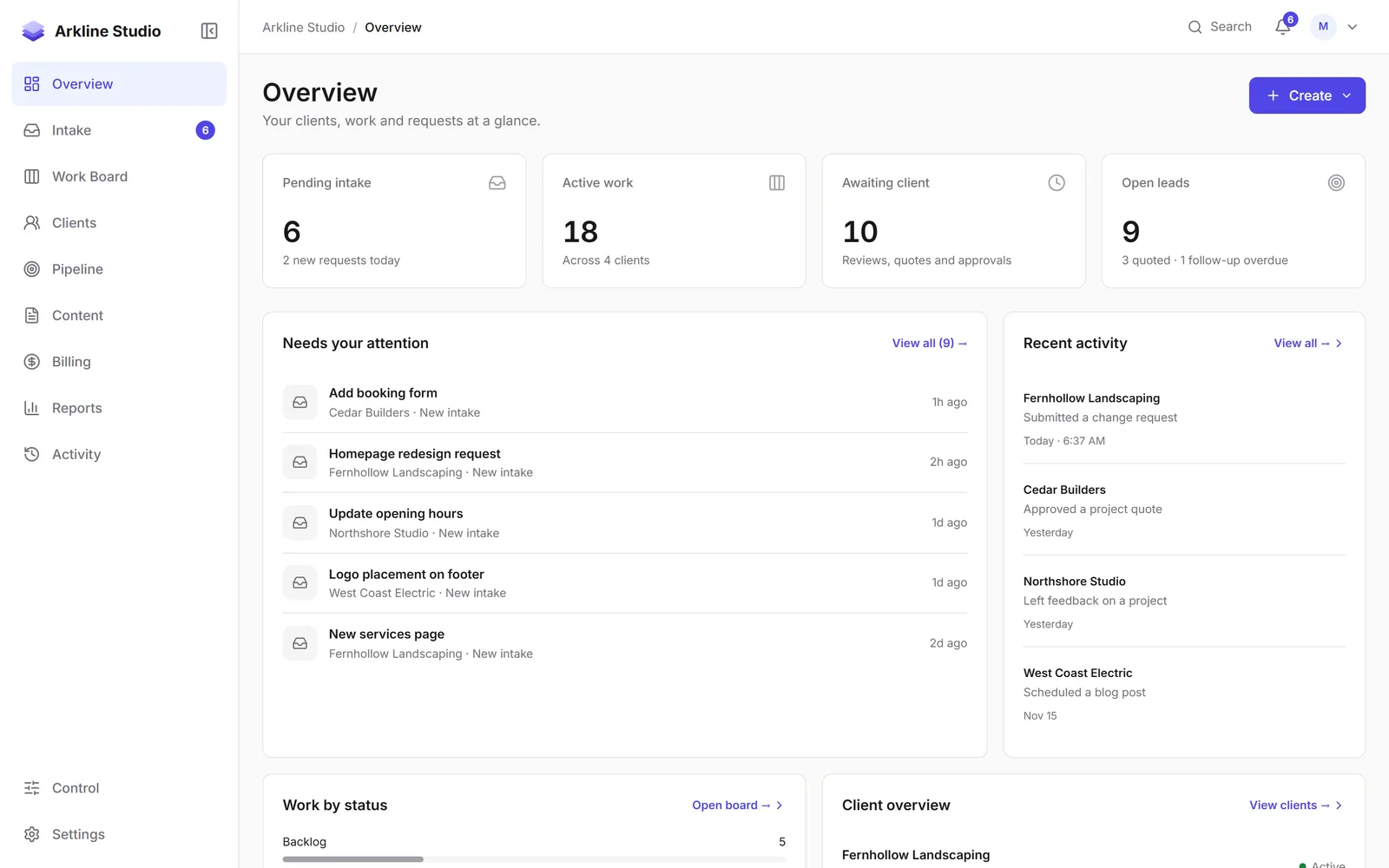
Six tools that keep you showing up
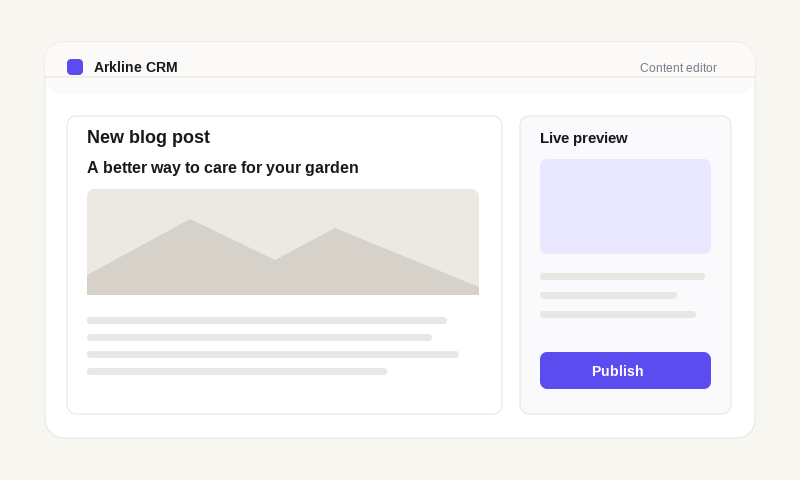
Write your own blog posts
A clean editor with a live preview, your own photo library and a search description for every post. Publish, and the post goes live on your site within a few minutes, built as a fast page that Google and AI search can read.
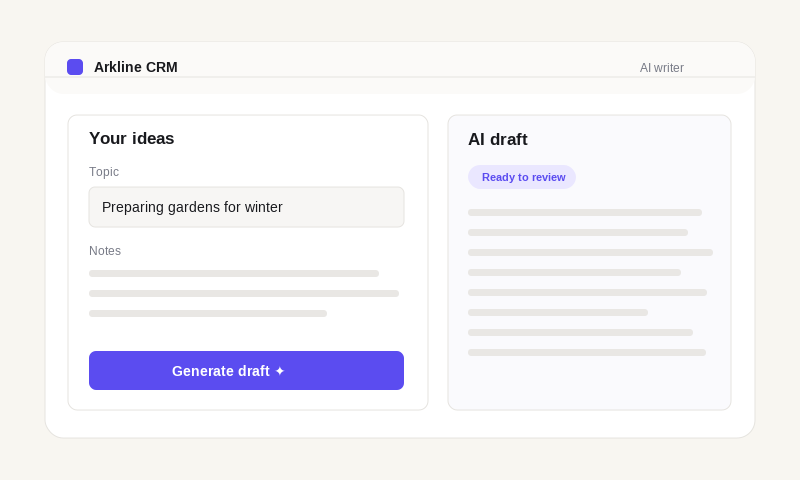
An AI writer at your side
Give it a topic and a few notes and it drafts a full post in your business’s voice. It also suggests titles and search descriptions. You read it, change what you like and decide when it goes out. Nothing publishes on its own.
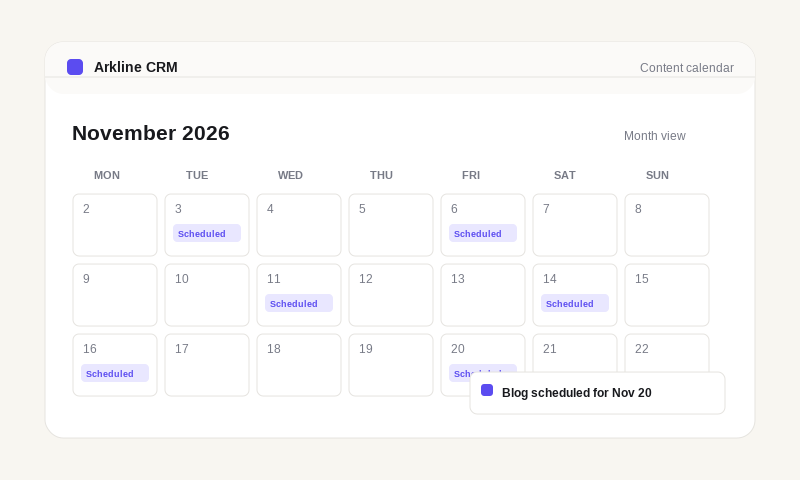
Schedule posts ahead
Write a month of posts in one sitting and set a date and time for each. They go live when they’re due, even if you’re on a job site. Want a second look first? Posts can wait for approval before they’re scheduled.
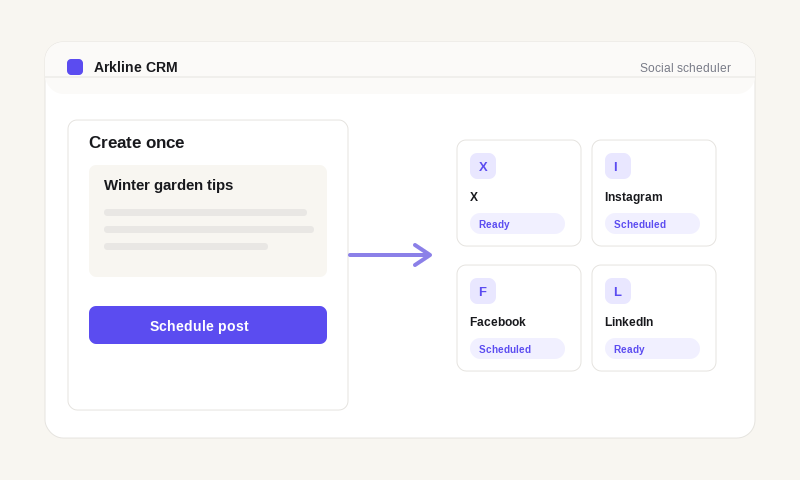
Social media scheduler
Write a post once, add up to 10 photos (X allows 4), and send it to your social accounts at the time you choose. Give each platform its own wording if you like. The editor checks every platform’s limits as you type, so a post doesn’t bounce at the last minute.
- X
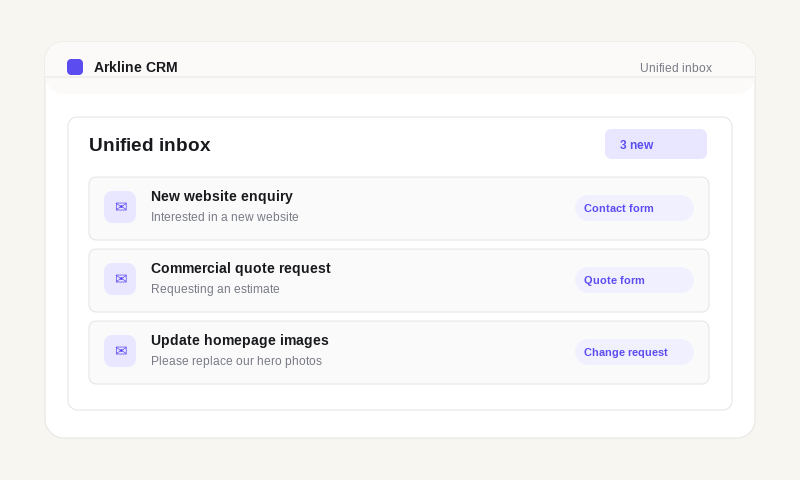
Every enquiry in one inbox
Contact forms, quote requests and free-estimate forms from your website all arrive in one inbox in Arkline CRM. We connect your website’s forms for you. See who got in touch and what they asked for, mark what you’ve read, archive what’s done, and share it with your account’s owners and admins, instead of digging through email.
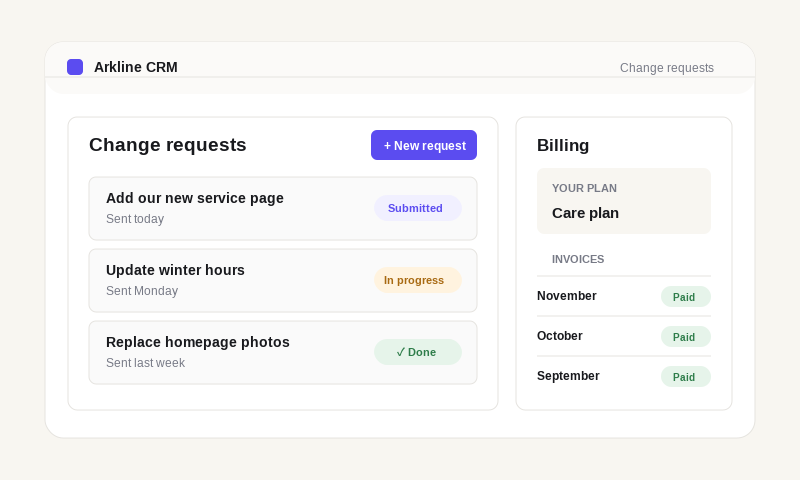
Working with us, in one place
Need something changed on your site? Send a change request from the same login and follow it from request to done, without digging through email threads. Your plan and invoices are there too.
From idea to published in four steps
Write
Start from a blank page or let the AI writer draft one from your notes.
Review
Read it in the live preview. If you want a second pair of eyes, send it for approval.
Schedule
Pick a date and time for the blog post, and for each social account.
Live
It goes out on time: on your website and on each social account you chose.
A website that keeps working for you
Sites that publish regularly give Google, AI search and your customers a reason to come back. Arkline CRM makes that a half-hour job, not a weekend.
Posts that help you rank
Every post is built as a fast page on your own domain, with a proper title, description and structure, so Google and AI search can read it. Photos are resized and served from your site.
No plugins, no extra apps
There’s no WordPress and no third-party posting service in the middle. Arkline posts to each social account through the platform’s own official connection.
Your words stay yours
The AI writer drafts; you decide. Nothing goes out until you, or someone you trust on your team, schedules it.
Built by the people who built your site
Arkline CRM is made by Arkline Studio and plugs straight into the website we build for you. When you have a question, you talk to us.
Want Arkline CRM for your business?
Tell us about your business and we’ll show you how it would work with your site. Don’t have a site with us yet? Start with a free website draft.
See our pricing, client reviews and common questions.